gmail security
Gmail is one of my favorite email products. Â Its free, its extremely good at collecting and organizing data (in-line with google’s vision of world information organization domination) and its so intuitive.
The gmail security features are kind of tucked away to bring the organization and search functions to the foreground. Â But once you know where they are, its easy.
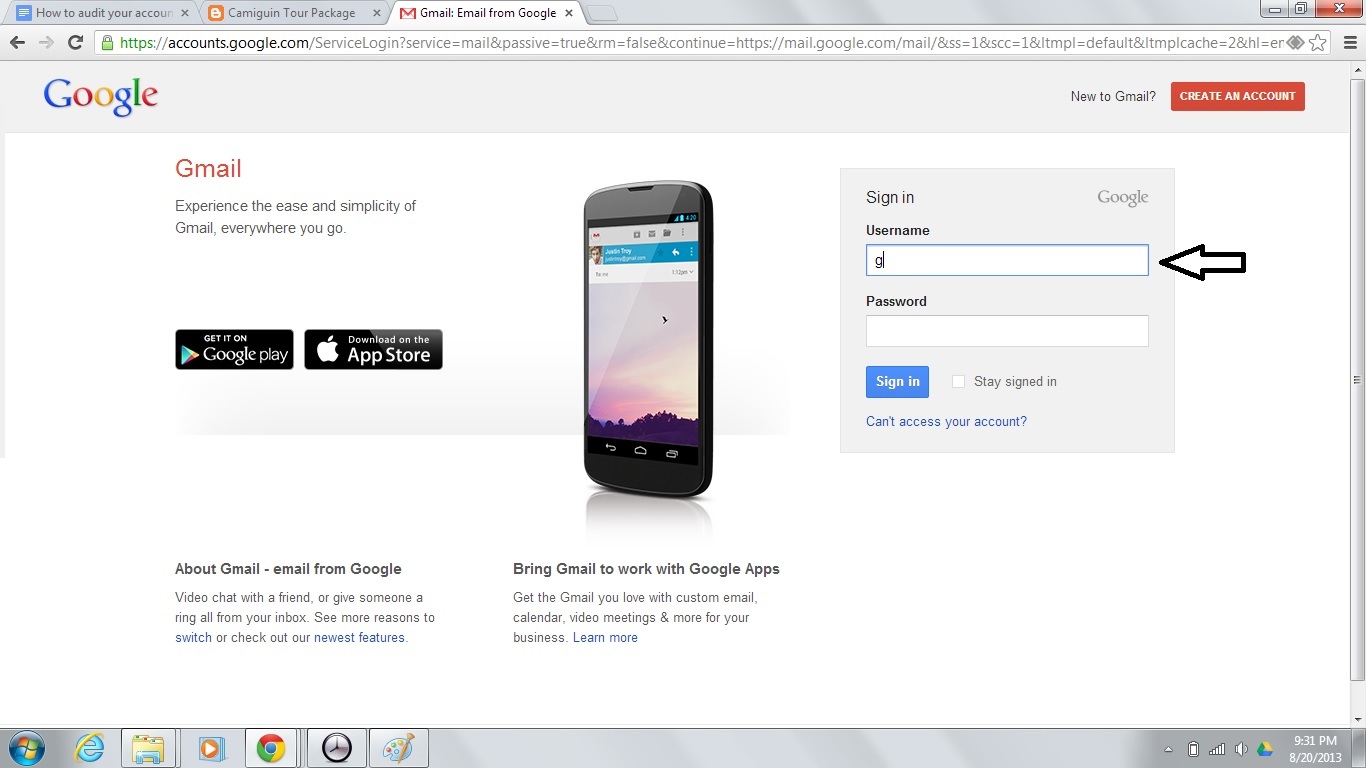
1. First, browse into your email and sign in.
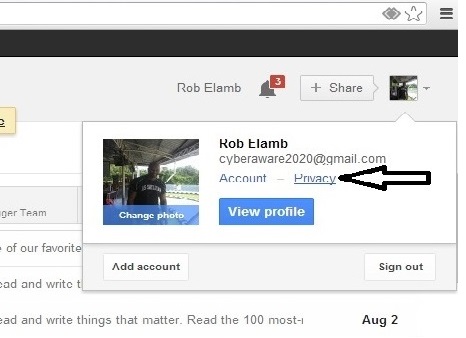
2. Inside your email under your name, click privacy.
3. Under Account Privacy, hit Security and add alternate recovery email and mobile number. Â This will allow gmail security to alert you of any suspicious activity such as someone attempting to access your account.

Ready to actually get the RMF/ISSO job?
Go from reading about the Risk Management Framework to doing it — with the full video course, the books, and a community of GRC professionals taught by Bruce Brown (CISSP, CGRC).
Get the RMF ISSO Foundations course → Browse the RMF & GRC books Join the free GRC community
Leave a Reply